Everything a party needs, from first tap to fireworks
A booking page families enjoy, and an admin your staff can run from the front desk or their phone.
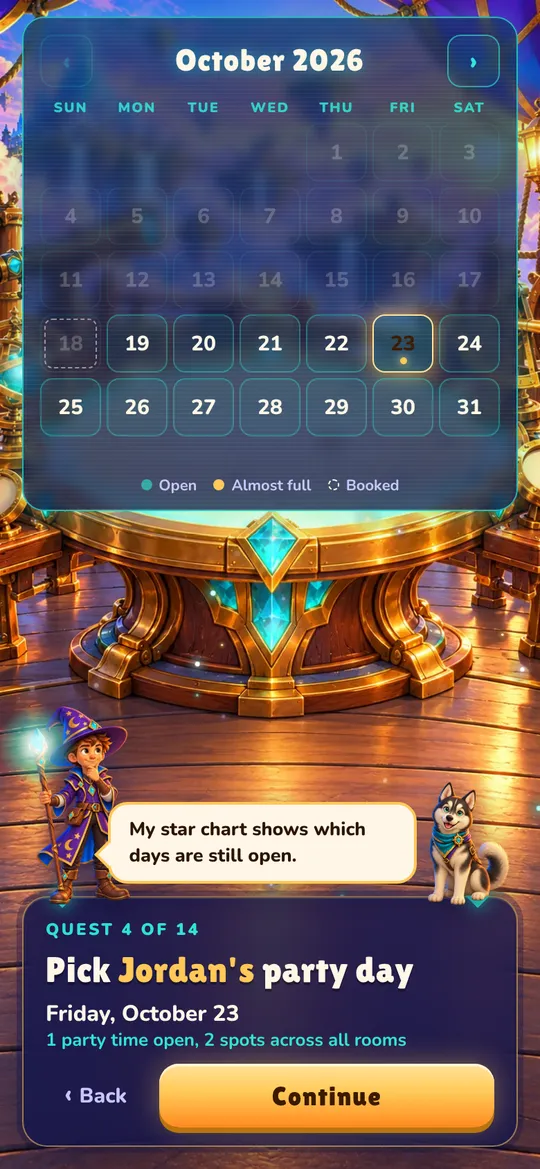
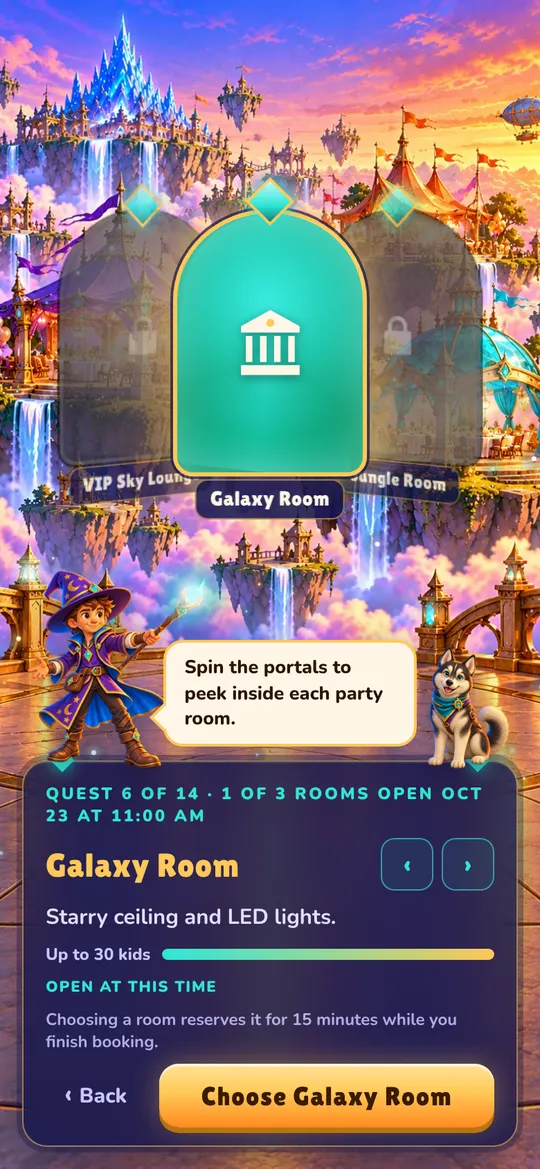
The booking flow
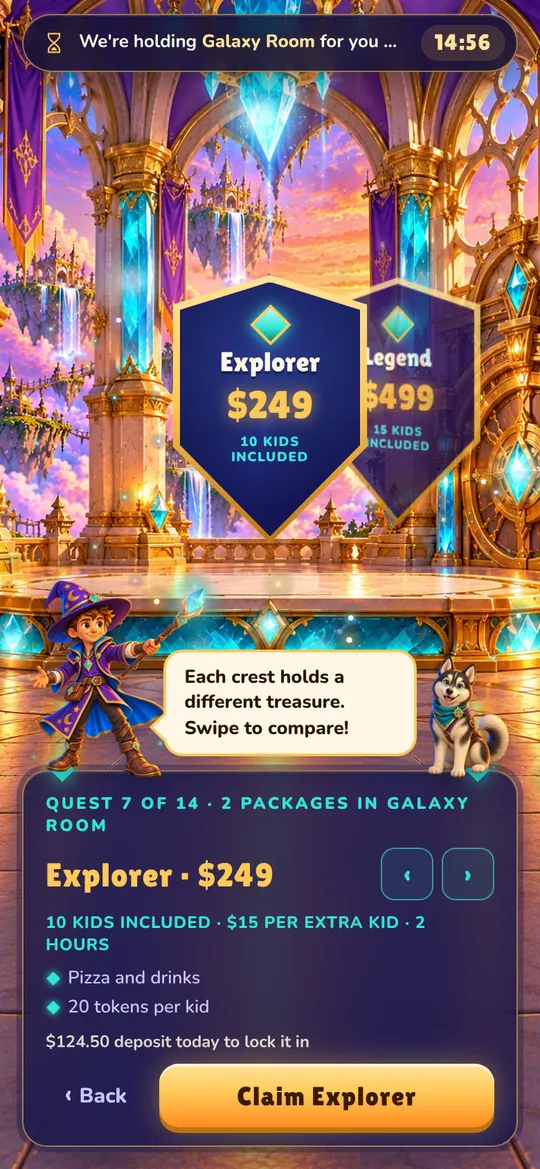
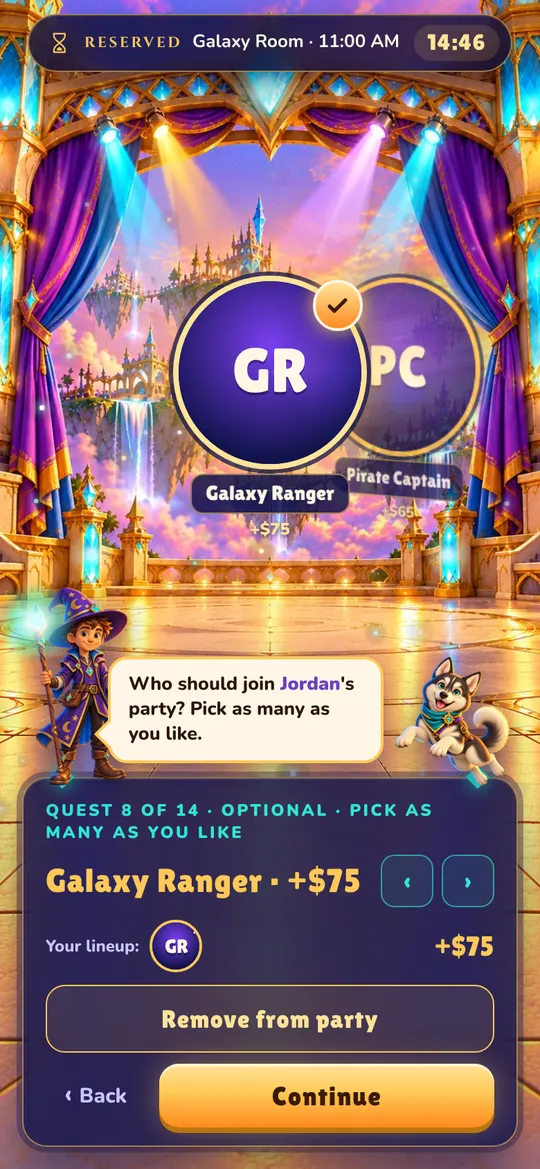
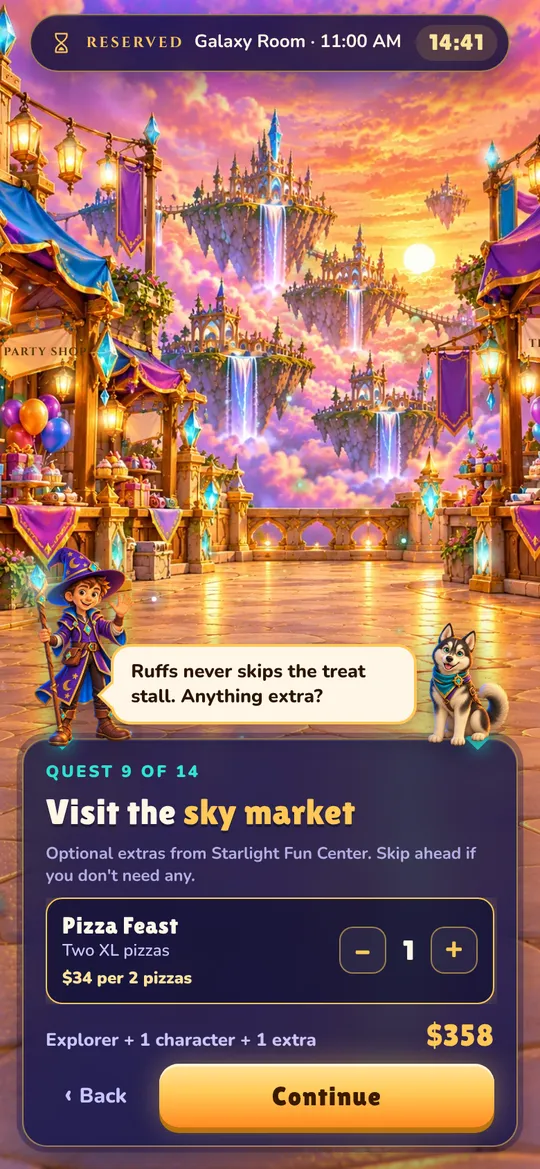
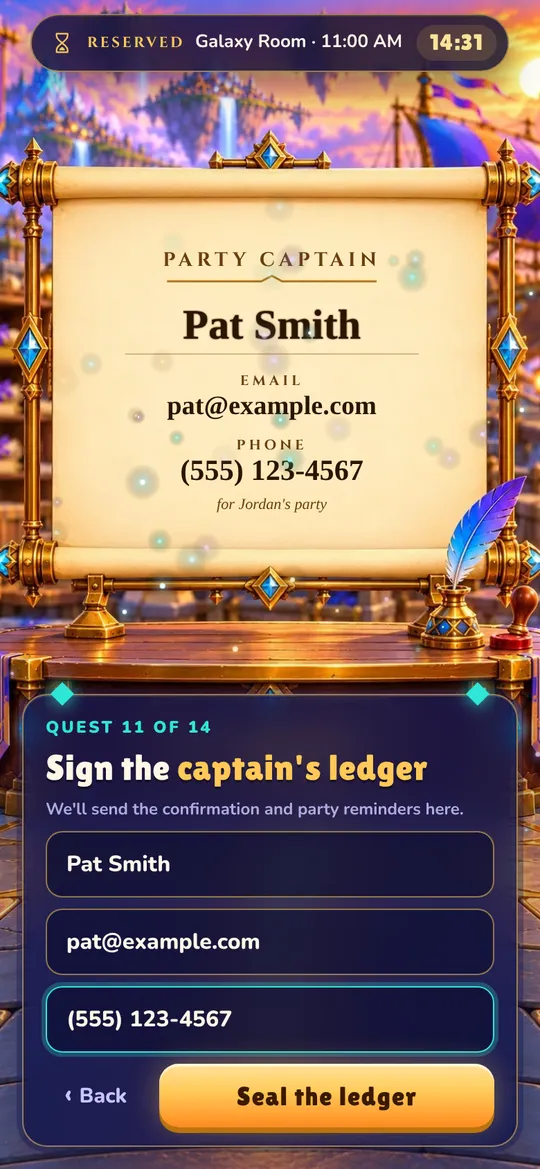
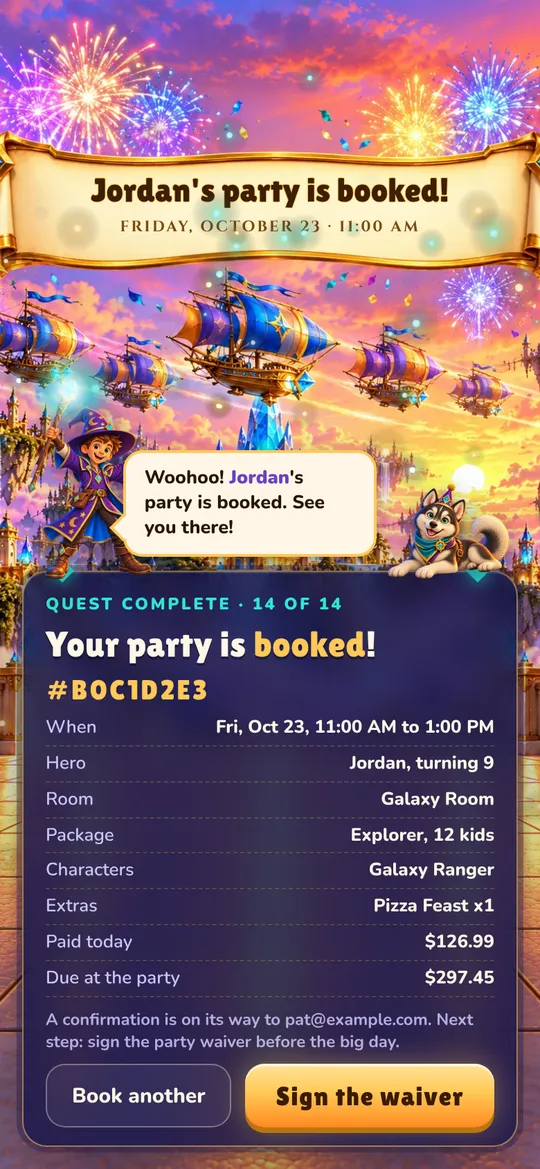
Every step uses your venue's own rooms, packages, prices and photos.



The admin
Set it up once, then let bookings come in.
No double bookings
Times update live. A room is held for the family while they book, with a visible countdown, and released if they walk away.
Deposits paid to you
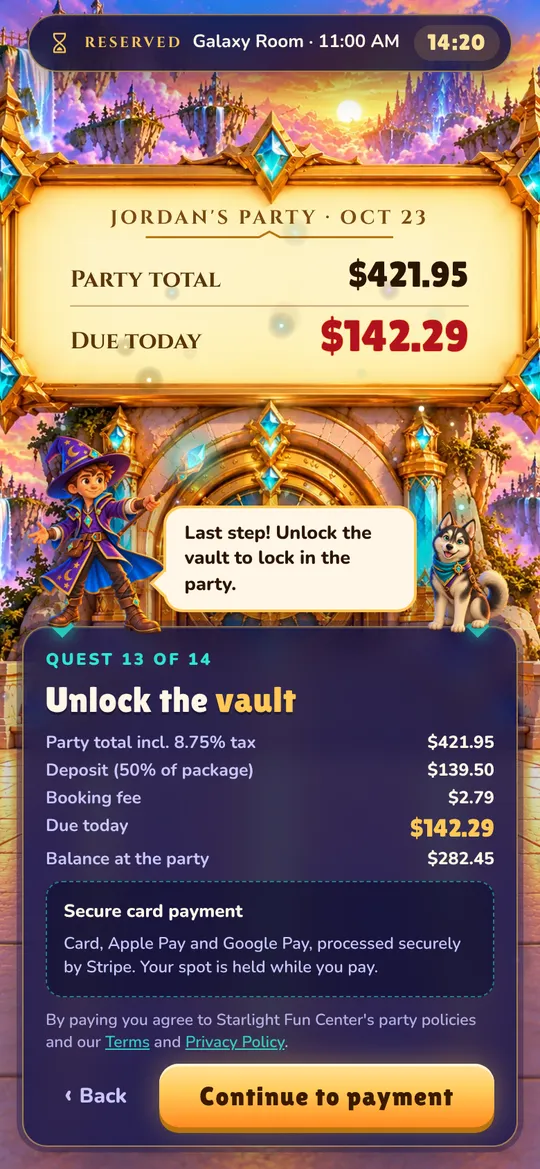
Connect your Stripe account and deposits land there directly. You set the deposit percentage and tax rate.
Your hours, your rules
Party times per room and day, cleanup time between parties, opening hours, and blackout dates for holidays and events.
Rooms, packages and extras
Photos, prices, party length, kids included, extra-kid pricing, characters and add-ons, all edited in your admin.
Online waivers
Write your own waiver. Parents sign from their confirmation, and each signed copy is kept with the booking.
A dashboard that adds up
Upcoming parties, deposits collected, balances still to collect, and what needs attention this week.
Works on every phone
Families book on their phones. Your staff can check the calendar and bookings on theirs.
Staff accounts
Give managers and staff their own logins. Phone and walk-in bookings go on the same calendar.
Deposits, paid to you
Connect your Stripe account in your settings. Each deposit is charged on your account, so the money is yours from the start.
- Families see the full party total, tax, the deposit due today and the balance due at the party.
- Card, Apple Pay and Google Pay, on the same screen.
- A booking is confirmed only when the deposit goes through.
Waivers before the party, not at the door
Write your waiver once in the admin. Every confirmation links straight to it, and parents sign on their phone.
- Your own wording, with your venue's name filled in.
- Each signed waiver keeps the exact text it was signed under.
- Your dashboard shows parties this week that still need a signature.
Open the portal at your venue
Set up your rooms and packages, connect Stripe, and share your booking link with families.