Booking the party is part of the party.
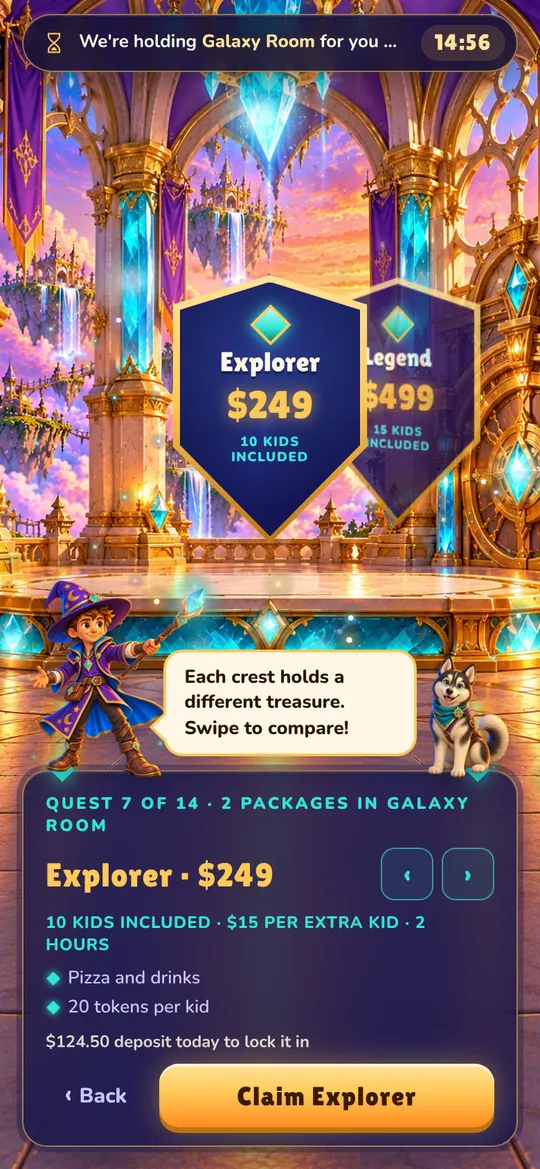
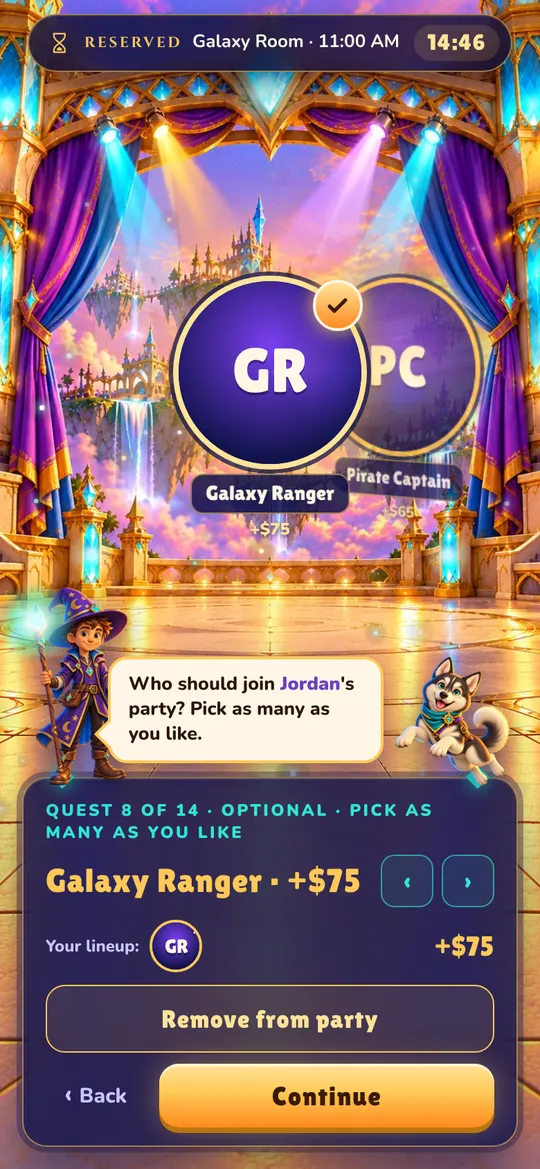
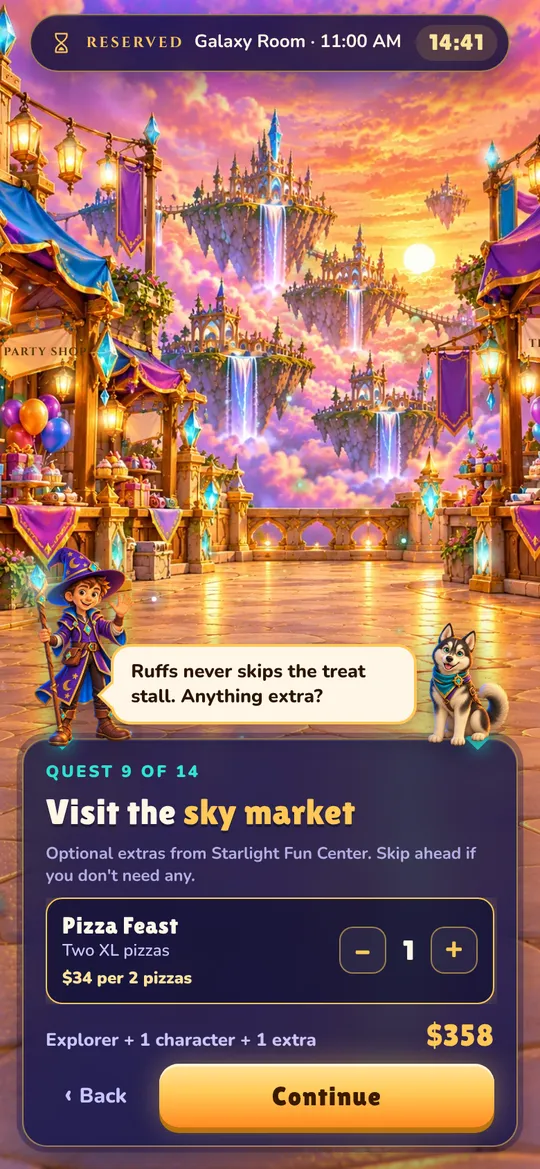
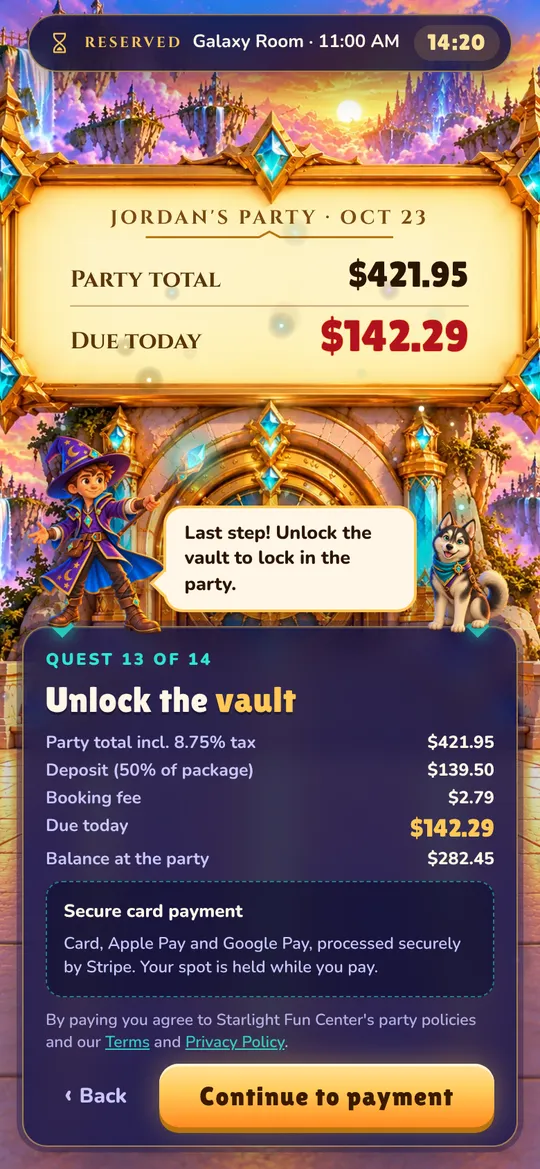
Party Booking Wizard gives your family entertainment center a booking page that plays like a game. Families pick a room, a package and a character, then pay their deposit on their phone. Your staff gets a calendar that fills itself.
$99.99 a year per location. Deposits go straight to your own Stripe account.
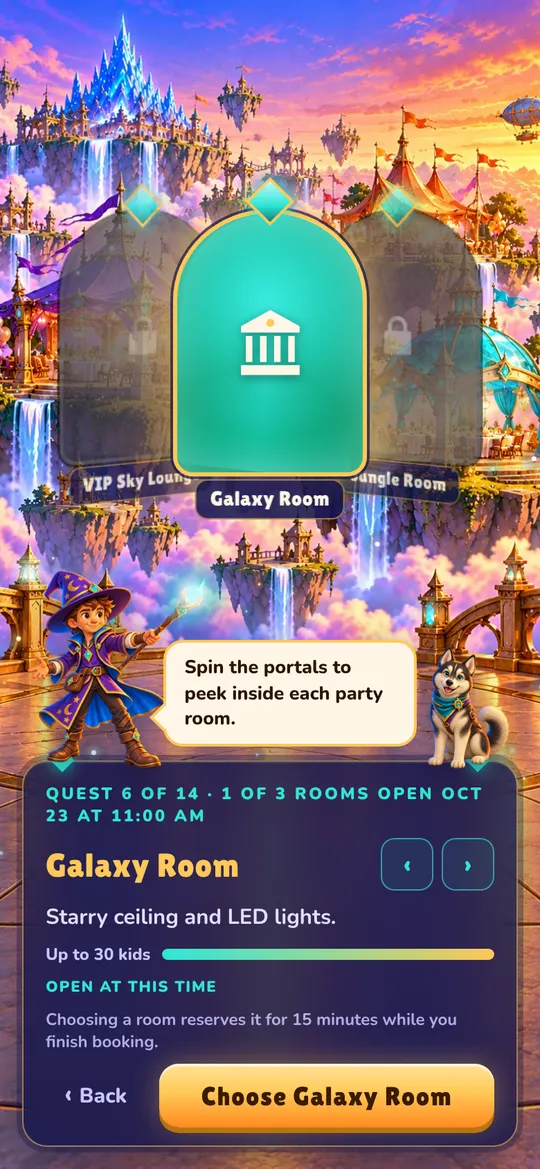

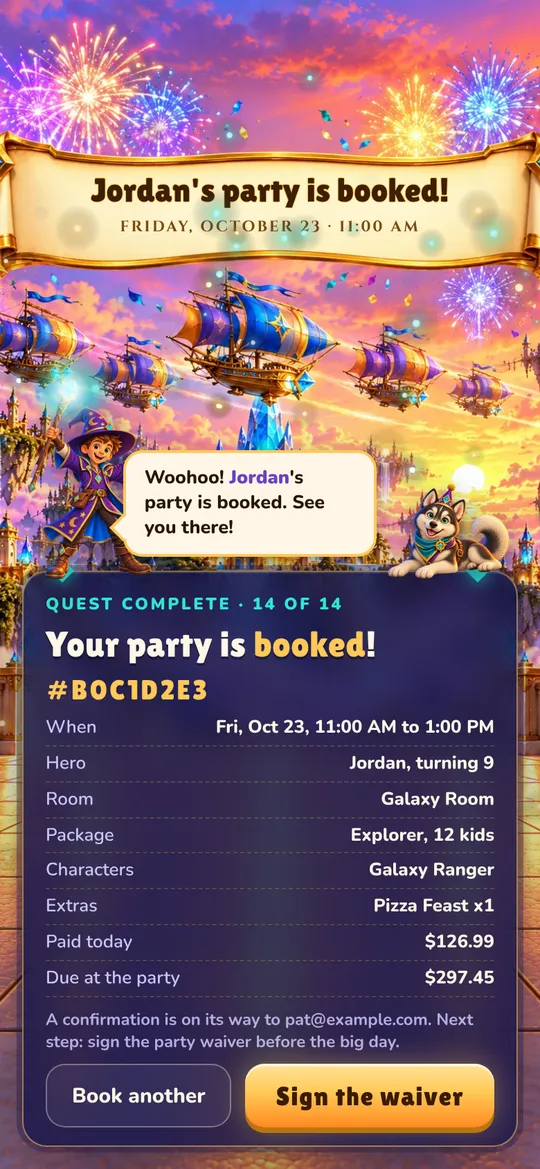


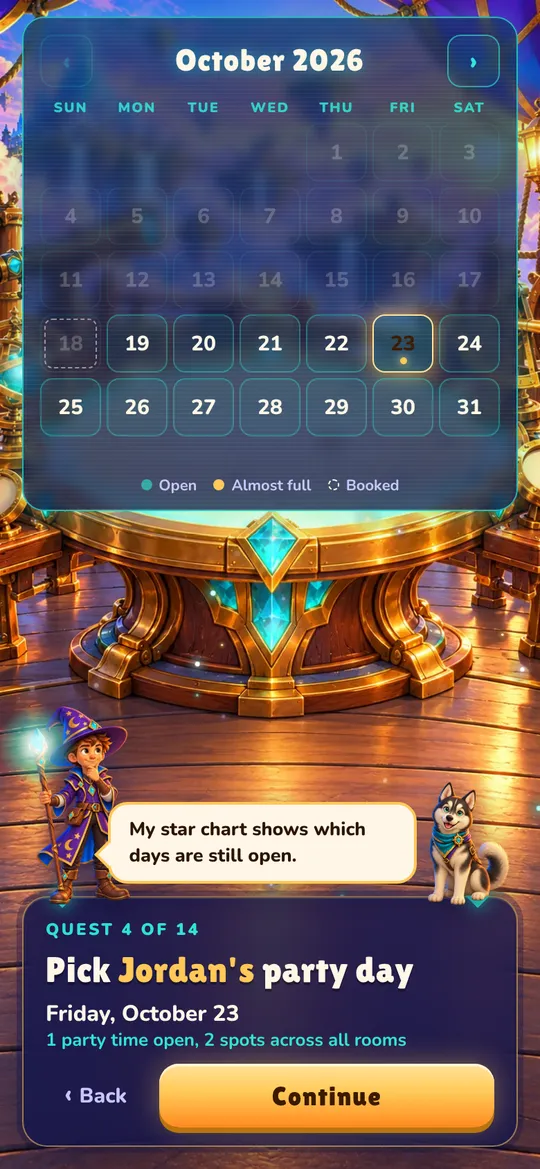
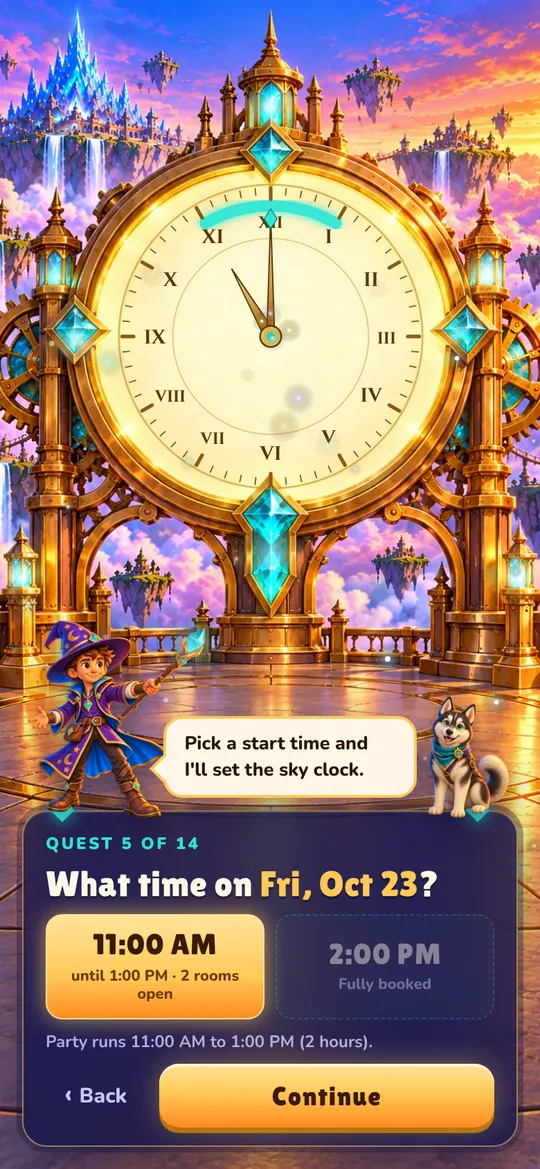
What families see
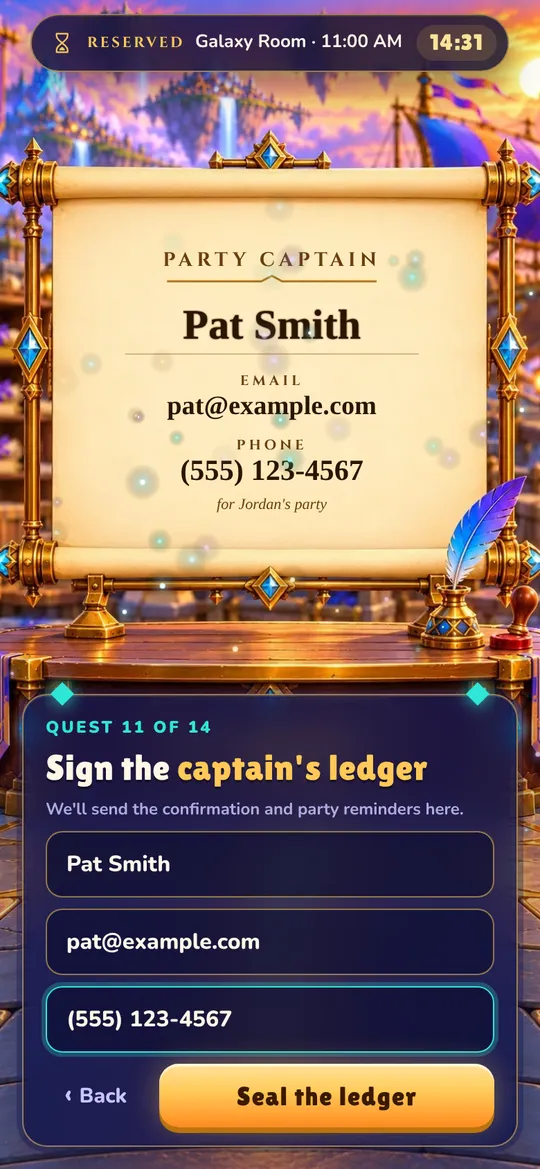
Eleven short steps, guided by Wizzy the wizard and Ruffs the husky. Every room, package, price and photo comes from your admin, and the whole thing runs on any phone.

What your staff gets
The calm side of the portal: one admin for bookings, payments, waivers and settings.
No double bookings
Times update live. A room is held for the family while they book, with a visible countdown, and released if they walk away.
Deposits paid to you
Connect your Stripe account and deposits land there directly. You set the deposit percentage and tax rate.
Your hours, your rules
Party times per room and day, cleanup time between parties, opening hours, and blackout dates for holidays and events.
Rooms, packages and extras
Photos, prices, party length, kids included, extra-kid pricing, characters and add-ons, all edited in your admin.
Online waivers
Write your own waiver. Parents sign from their confirmation, and each signed copy is kept with the booking.
A dashboard that adds up
Upcoming parties, deposits collected, balances still to collect, and what needs attention this week.
Works on every phone
Families book on their phones. Your staff can check the calendar and bookings on theirs.
Staff accounts
Give managers and staff their own logins. Phone and walk-in bookings go on the same calendar.
A calendar that can't be double-booked
The moment a family chooses a room, that time is theirs for a few minutes, and everyone else sees it as taken.
- A countdown shows the family how long their room is held, with an option to add five minutes.
- If they walk away, or don't pay the deposit, the time opens back up on its own.
- Cleanup time between parties and your opening hours are built into every time shown.
One simple price per location
No setup fee and no per-booking charge to you. Families pay a small booking fee on their online deposit, shown before they pay, and your deposits are paid out by Stripe on your normal schedule.
- Your own Sky Quest booking page
- Deposits paid straight to your Stripe account
- Unlimited rooms, packages and bookings
- Online waivers, calendar, dashboard and reports
- Staff accounts for your team
Families pay a 2% booking fee on their online deposit, shown before they pay. Standard Stripe processing fees apply.
Questions owners ask
What does it cost?
$99.99 a year for each location. Families pay a 2% booking fee on their online deposit, shown before they pay. Standard Stripe card processing fees apply to the deposits you receive. There's no setup fee.
How do deposits reach me?
You connect your own Stripe account from your admin settings (or create one in a few minutes). Each deposit is charged on your account and paid out on your normal Stripe schedule.
Can I use my own rooms, packages and prices?
Yes. Everything families see comes from your admin: rooms and photos, packages, party length, deposit percentage, tax rate, characters, add-ons, hours and blackout dates.
What if a family starts booking and leaves?
Choosing a room holds that time for a few minutes, with a countdown the family can see. If they don't finish, or don't pay the deposit, the time opens back up automatically.
Can my staff still take phone bookings?
Yes. Staff add phone and walk-in bookings in the admin, and they share the same calendar, so nothing gets booked twice.
How do families find my booking page?
Each location gets its own link, like partybookingwizard.com/your-venue/book. Put it on your website, social pages and Google listing.
Open the portal at your venue
Set up your rooms and packages, connect Stripe, and share your booking link with families.